
Information
What Is API Integration, and Why Does Your Business Need It?
API integration allows different software applications to communicate and exchange data automatically. Learn how API integration works, explore common business use cases, understand its benefits, and see how Getintoto can connect your existing systems with custom software solutions.

What Is API Integration, and Why Does Your Business Need It?
Businesses today rarely rely on a single software system. A company might use one platform to manage customers, another to process payments, another for accounting, and several more for communication, marketing, analytics, or internal operations. The challenge is making all these systems work together. This is where API integration comes in. API integration allows different software applications and services to communicate with each other and exchange data. Instead of manually moving information between systems, an API can allow those systems to share data automatically.
For businesses, this can mean fewer repetitive tasks, more accurate information, faster processes, and a smoother experience for both employees and customers. In this guide, we explain what API integration is, how it works, common examples, and why it can be valuable for businesses looking to improve their software systems.
What Is an API?
API stands for Application Programming Interface. An API is a set of rules and methods that allows one software application to communicate with another. Think about a business website that needs to process online payments. The website itself may not handle the entire payment process. Instead, it can communicate with a payment gateway through its API.
When a customer submits a payment:
- The website sends the required information to the payment service.
- The payment service processes the request.
- The payment service sends a response back.
- The website uses that response to show whether the payment was successful.
The communication happens between the systems through the API. In simple terms, an API acts as a bridge between different software systems.
What Is API Integration?
API integration is the process of connecting two or more applications or services so they can communicate and exchange information automatically. For example, an online store might need to connect with:
- A payment gateway
- An accounting system
- An inventory management system
- A shipping provider
- A customer relationship management (CRM) platform
- An email or SMS service
Rather than keeping these systems completely separate, API integrations allow them to work together as part of a connected workflow. For example, when a customer places an order, an integrated system could automatically:
Receive order → Process payment → Update inventory → Create customer record → Send confirmation → Notify the delivery service.
Without integration, employees may have to enter the same information into several systems manually.
How Does API Integration Work?
Although the technical implementation can vary depending on the systems involved, most API integrations follow a similar basic process. One application sends a request to another system through its API, and the receiving system processes that request according to its rules and permissions. It then sends a response containing the requested information, confirmation, or an error message. The original application uses that response to continue the relevant workflow, such as updating a record, displaying information, or triggering another action. This communication can happen automatically in the background, allowing different applications to work together without requiring employees to manually transfer information.
1. One System Sends a Request
An application sends a request to another application's API when it needs information or wants that system to perform a specific action. For example, an e-commerce website may send a request to a payment service when a customer chooses to pay online. The request can include information such as a transaction amount, customer details, or an order reference. The API receives this request and passes it to the appropriate service for processing.
2. The API Processes the Request
After receiving a request, the API checks whether it is valid and whether the application has permission to access the requested service or information. Authentication and authorization mechanisms are commonly used to control this access. The receiving system then processes the request according to its own business rules and requirements. If something is missing or invalid, the API may return an error instead of completing the requested action.
3. The System Returns a Response
Once the request has been processed, the API sends a response back to the application that made the request. The response may contain the requested information, confirmation that an action was completed, or details about an error. For example, a payment API might return a successful transaction status along with a transaction reference. The response gives the original application the information it needs to decide what should happen next.
4. The Application Uses the Information
The original application receives the API response and uses it to perform the next step in the workflow. A website might display a successful payment message, update an order status, or store transaction information in its database. In another situation, the application could use returned customer or product data to populate a page automatically. This entire process can happen within seconds without requiring an employee to manually transfer the information.
Common Examples of API Integration
API integration is already part of many digital products and business processes that people use every day. From online payments and customer management to maps, notifications, and AI services, APIs allow different platforms to work together behind the scenes. Businesses can use these integrations to connect the tools they already rely on or add new functionality to a custom website, mobile application, or software system.
Here are some common examples of API integration in business applications.
Payment Gateway Integration
Payment gateway integration allows websites, e-commerce platforms, and applications to connect with online payment providers. When a customer completes a purchase, the application can send transaction details to the payment provider through its API. The payment service processes the transaction and returns the payment status to the business application.
A payment integration can help businesses:
- Accept online payments
- Confirm transactions automatically
- Update order or payment status
- Generate payment confirmations
- Send receipts or notifications
- Reduce manual payment verification
This creates a faster checkout experience while automating important parts of the payment process.
CRM Integration
CRM integration connects customer-facing platforms with a company's customer relationship management system. For example, when someone submits a contact form or requests a service through a website, their information can automatically be sent to the CRM.
A CRM integration can help businesses:
- Capture leads automatically
- Create customer records
- Assign leads to sales representatives
- Track customer interactions
- Trigger follow-up workflows
- Keep customer information synchronized
This reduces repetitive data entry and helps sales teams manage leads more efficiently.
Accounting Integration
Accounting integration allows business applications to exchange financial and transaction information with accounting software. An e-commerce system, for example, could automatically send order details, invoices, customer information, and payment records to an accounting platform. This reduces the need to manually enter the same financial information in multiple systems. It can also help businesses keep their sales and accounting records more closely synchronized. For growing businesses, automating these processes can save time and reduce errors associated with repetitive financial data entry.
Email and SMS Integration
Businesses can integrate communication services into their websites or applications to automatically send:
- Account verification messages
- Order confirmations
- Appointment reminders
- Notifications
- Password reset emails
- Marketing messages
Maps and Location Integration
Maps and location APIs allow websites and mobile applications to add location-based features without developing an entire mapping system from scratch. Businesses can integrate these services into applications where customers or employees need location information.
Common features include:
- Location search
- Address lookup
- Distance calculation
- Route information
- Delivery tracking
- Store or office location display
- Geolocation-based services
For example, a delivery application can use location APIs to help customers enter their address, calculate delivery routes, or track an order. Travel websites and mobile applications can also use these integrations to display destinations and provide route information.
Third-Party Service Integration
Businesses often rely on specialized third-party services instead of developing every feature themselves. APIs make it possible to connect these services with an existing website, mobile application, or custom software system. Depending on the business requirements, this could include authentication services, cloud platforms, analytics tools, shipping providers, communication platforms, AI services, or other business applications. For example, a custom application could use an external AI API to add an AI-powered feature without having to build an entire AI platform from the ground up. By combining custom development with reliable third-party services, businesses can create more capable digital solutions while focusing development resources on the features that are most important to their operations.
Why Does Your Business Need API Integration?
API integration is not simply a technical feature. When implemented correctly, it can solve practical business problems.
1. Reduce Manual Data Entry
When systems are not connected, employees may need to copy information from one application to another. This takes time and creates opportunities for mistakes. API integration can automate many of these processes by allowing information to move directly between systems. For example, when an order is placed on a website, the order information could automatically reach the inventory and accounting systems.
2. Improve Data Accuracy
Manual data entry can lead to duplicated, outdated, or incorrect information. When systems communicate automatically, businesses can reduce the amount of information that needs to be entered repeatedly. This can help different departments work with more consistent data.
3. Save Time
Employees can spend significant amounts of time performing repetitive administrative tasks. Automating these workflows allows them to focus on activities that require human decision-making, communication, and problem-solving.
4. Connect Existing Business Systems
Businesses do not always need to replace their existing software to improve their operations. Sometimes, the better solution is to connect the systems they already use. For example, a company may continue using its existing CRM, accounting software, and e-commerce platform while connecting them through APIs.
5. Improve Customer Experience
Customers expect digital services to be fast and convenient. API integrations can help businesses provide features such as online payments, automated notifications, real-time order updates, account synchronization, and personalized services. A connected system can make the overall customer journey smoother.
6. Support Business Automation
API integration is often an important part of business automation. For example, a business could create a workflow where:
New order → Payment confirmation → Inventory update → Invoice creation → Customer notification
Once the workflow is properly configured, many of these actions can happen automatically.
7. Make Software More Scalable
As a business grows, its software requirements often grow with it. A small business may initially manage information manually, but increasing customers, orders, employees, and transactions can make those processes difficult to maintain. Well-planned integrations can provide a foundation for more scalable business workflows.
API Integration vs. Building Everything From Scratch
A common misconception is that a business needs completely custom software to create an efficient digital system. That is not always the case. Businesses can often combine custom-developed software with existing third-party services. For example, instead of building a payment system from scratch, a custom e-commerce application can integrate with an established payment provider. Instead of developing an entire mapping platform, an application can use an existing mapping API. This approach can allow businesses to focus development resources on the features that are unique to their operations while using reliable third-party services for common functionality.
What Can Getintoto Integrate?
At Getintoto, API integration can be part of a broader software development project rather than an isolated technical task. We can help businesses connect their existing software, third-party services, and custom applications so information can move between systems more efficiently. The right integration depends on how the business operates, what systems are already in use, and what the software needs to accomplish.
Depending on the project requirements, integrations can connect business applications with services such as :
- Payment platforms
- CRM systems
- Accounting software
- Ecommerce platforms
- Email and SMS services
- Cloud services
- Mapping and location services
- Business management systems
- AI services
- Internal applications
- Third-party business platforms
The exact integration depends on the systems involved, available APIs, security requirements, and the business workflow.
API Integration for Custom Software Development
API integration becomes particularly important when developing custom software. A business application may need to communicate with several external systems while also maintaining its own database and business logic. For example, a custom business platform might include:
Customer Management + Payments + Accounting + Notifications + Reporting
Instead of operating these functions independently, APIs can help connect the different components into a more unified system. This can be especially useful for businesses that have specific workflows that standard off-the-shelf software cannot fully support.
At Getintoto, we approach integration as part of understanding the overall business requirement. The goal is not simply to connect two systems but to build a workflow that makes sense for the business.
What Should You Consider Before Integrating an API?
Before integrating an API, businesses need to look beyond whether two systems can technically be connected. The integration should support the company's actual workflow, security requirements, data structure, and long-term software plans. It is also important to understand the limitations and requirements of the third-party service before development begins. Poorly planned integrations can create reliability, security, or maintenance problems even when the initial connection works correctly. Taking time to evaluate these factors beforehand can make the integration more stable and easier to maintain.
API Documentation
API documentation explains how developers can communicate with a particular service and what functionality is available. It usually provides information about endpoints, request methods, parameters, authentication, responses, and possible errors. Developers need to understand this documentation before building an integration because different APIs have different technical requirements. Clear and complete documentation can make the integration process significantly easier and reduce development problems.
Authentication and Security
APIs often require authentication to ensure that only authorized applications and users can access certain resources. Depending on the service, this may involve API keys, access tokens, OAuth, or other authentication mechanisms. Sensitive credentials should be stored and handled securely rather than being exposed within publicly accessible application code. Security should also be considered when transferring customer, payment, business, or other sensitive information between systems.
Data Compatibility
Two applications may store and organize information in completely different ways. One system might use different field names, formats, or data structures from another system, even when both contain similar information. An integration may therefore require data mapping or transformation so that information can be correctly understood by the receiving application. Planning this compatibility early can prevent problems such as missing fields, incorrect values, or inconsistent records.
API Limits
Some third-party services limit the number of API requests that an application can make within a specific period. These limits are often designed to protect the service from excessive traffic and ensure stable performance. Developers need to understand these restrictions when designing an integration, particularly for applications that process large amounts of data. Caching, request optimization, batching, and other technical approaches may be used when appropriate to work efficiently within those limits.
Error Handling
External services are not guaranteed to respond successfully to every request. An API may be temporarily unavailable, return invalid data, reject a request, or experience a network problem. A reliable integration should be designed to recognize these situations and respond appropriately rather than simply failing without explanation. Depending on the application, this could involve retries, logging, user notifications, fallback processes, or other error-handling mechanisms.
Maintenance
API integrations require ongoing attention because the external services they depend on can change over time. A provider may introduce a new API version, modify an endpoint, change authentication requirements, or discontinue an older feature. If an integration is not maintained, these changes can eventually cause parts of an application to stop working correctly. Regular monitoring and maintenance can help businesses identify these changes and keep their connected systems functioning properly.
When Should a Business Consider API Integration?
API integration can be particularly useful when your business:
- Uses multiple software platforms that need to share information
- Repeatedly enters the same data into different systems
- Wants to automate repetitive workflows
- Needs to connect an existing application with a third-party service
- Is developing a custom web or mobile application
- Wants to connect CRM, accounting, payment, or e-commerce systems
- Needs real-time or automated data exchange
- Wants to improve internal business processes
If employees are regularly copying information from one system to another, that can be a sign that an integration or automation opportunity exists.
API Integration as Part of a Larger Digital Solution
API integration works best when it is considered as part of the overall software architecture. Simply connecting two applications does not automatically create a good business solution. The integration needs to fit the company's workflows, security requirements, data structure, and long-term goals. For example, a business may need more than a connection between its website and CRM. It may also need automated notifications, reporting, user permissions, payment processing, and internal dashboards. In that situation, API integration becomes one component of a broader custom software solution. This is why the first step should be understanding what the business needs the software to accomplish, rather than choosing integrations simply because they are available.
How Getintoto Approaches API Integration
At Getintoto Software, we treat API integration as part of the wider software solution rather than simply connecting two applications. We first look at how the business currently operates, which systems are involved, what information needs to be exchanged, and what the integration is expected to achieve. This helps us choose an approach that fits the existing technology environment while also considering future business requirements. Depending on the project, API integration can be incorporated into custom web applications, mobile applications, internal business systems, automation workflows, and other digital solutions. Our goal is to build integrations that are secure, reliable, maintainable, and useful within the company's actual day-to-day operations.
1. Discovery
We start by understanding the business, its existing software systems, users, workflows, and goals. This helps us identify where information currently moves between systems and where manual processes or disconnected tools may be causing problems. We also look at which third-party services are already being used and what new integrations may be required. The goal is to understand the complete business requirement before deciding on a technical approach.
2. Technical Planning
Once the requirements are clear, we determine how the different systems should communicate with one another. This includes reviewing available APIs, data structures, authentication requirements, integration methods, and potential technical limitations. We also consider how the integration will fit into the application's overall architecture. A clear technical plan helps reduce unexpected issues during development and provides a foundation for a reliable integration.
3. Development
During development, the integration is implemented according to the technical plan and the requirements of the business. Developers build the necessary API requests, data handling, authentication, business logic, and error-handling mechanisms. The integration may be developed as part of a new web application, mobile application, custom software system, or an existing platform. The implementation is designed to support the required workflow rather than simply creating a basic connection between two systems.
4. Testing
Before deployment, the integration needs to be tested under different conditions. This can include testing successful requests, invalid data, authentication failures, API errors, unavailable services, and other possible scenarios. Testing helps identify problems that may not be visible during normal development. It also helps ensure that information is being transferred correctly and that the connected systems behave as expected.
5. Deployment
After testing is completed, the integrated solution can be deployed to the required environment. Deployment involves configuring the necessary services, credentials, settings, and application components so the integration can operate in the live system. The deployment process should be handled carefully because problems with configuration can affect the application's functionality. Once the system is live, its integration points can be monitored to ensure everything is working properly.
6. Support and Maintenance
API integration does not necessarily end when the application is launched. Third-party services can change their APIs, introduce new versions, modify their requirements, or discontinue older functionality. Ongoing support and maintenance can help identify these changes and update the integration when necessary. This helps businesses keep their software connected and functional as their technology environment evolves.
Build Connected Software With Getintoto
Modern businesses often rely on several digital tools to manage their operations. When those tools operate independently, employees may spend unnecessary time moving information between systems. API integration can help connect those systems and create more automated, efficient workflows. Whether you need to connect a website with a payment gateway, integrate a CRM with your business application, connect an e-commerce platform with inventory software, or build a custom system around multiple third-party services; the right integration strategy can make a significant difference.
At Getintoto Software, we provide custom software development and digital solutions designed around real business requirements. API integration can be incorporated into web applications, mobile applications, business systems, automation workflows, and other custom software projects.
Have systems that need to work together? Talk to Getintoto about your API integration or custom software requirements.
The short version
API integration allows different software applications to communicate and exchange data automatically. Learn how API integration works, explore common business use cases, understand its benefits, and see how Getintoto can connect your existing systems with custom software solutions.
Keep reading

Custom Software Development in Nepal: Our Process From Idea to Launch
Explore how custom software development in Nepal turns a business idea into a practical digital product, from discovery and planning to development, testing, launch, and ongoing improvement.
Read article
AI Tools For Developers
AI is transforming the way developers approach software development by reducing repetitive tasks, simplifying complex workflows, and improving productivity. In this article, we explore practical AI tools that Nepali developers can use to minimize development fatigue, streamline everyday tasks, and focus more on building high-quality, innovative software solutions.
Read article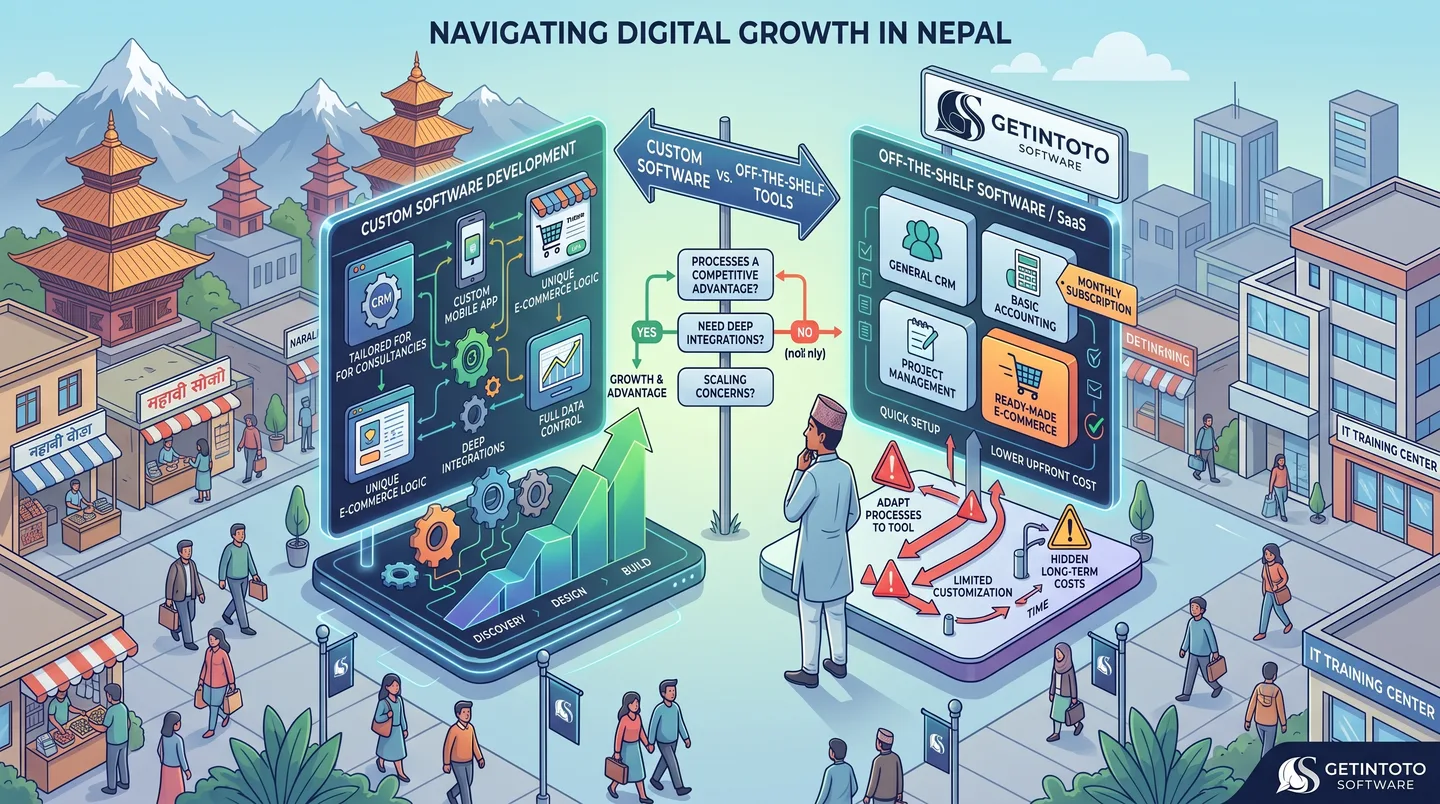
Custom Software Development And its Need
Choosing between custom software and off-the-shelf tools can be a difficult decision for growing businesses in Nepal. While ready-made software is quick to set up and often affordable, it may not fit the way your business actually works. Custom software takes a different approach by building features, workflows, integrations, and user experiences around your specific needs. This guide explains the key differences, when custom development makes sense, and when an existing tool may be the better choice for your business.
Read article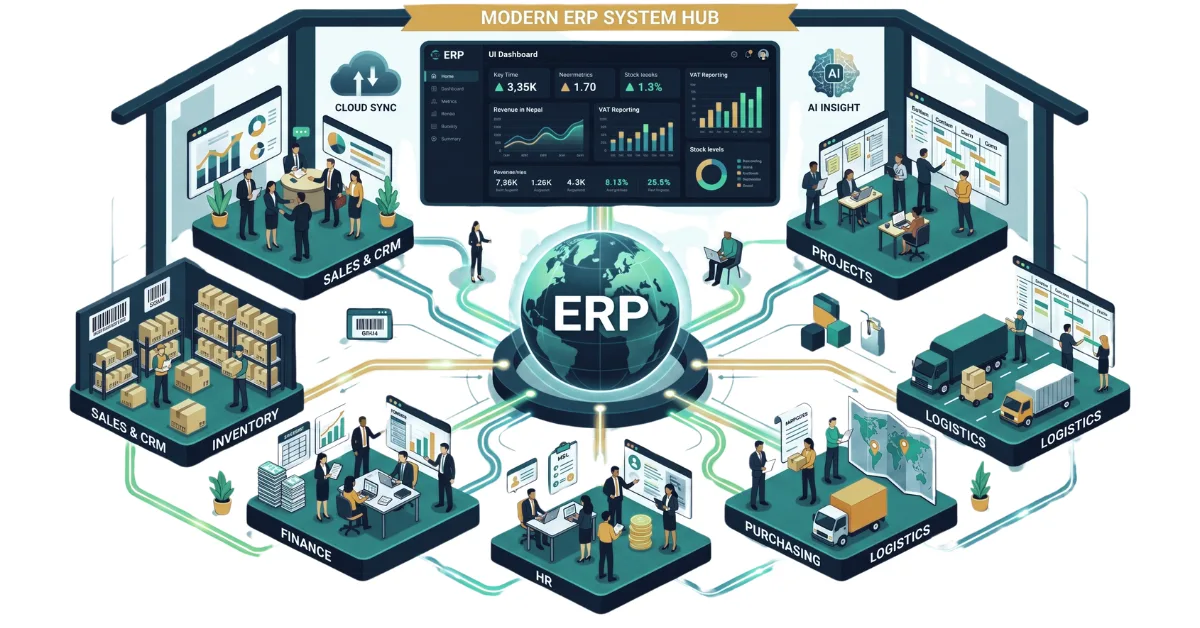
A Complete Guide to ERP and Its Importance in 2026
Discover what ERP is and how it centralizes your sales, inventory, HR, and finance. Explore key modules, workflows, and why modern ERP software is essential in 2026.
Read article
Laptop Specifications Demystified : A Clear Guide for Nepal
Confused by tech jargon? Master the basics of laptop hardware with our clear, beginner-friendly guide to buying the right laptop without overpaying in Nepal.
Read article
Things To Consider Before Buying a NEW LAPTOP in 2026
Stop buying laptops based on the processor name alone. Use our ultimate 2026 checklist to audit RAM, storage, and battery life before swipe-purchasing your next machine.
Read article