
Information
AI Tools For Developers
AI is transforming the way developers approach software development by reducing repetitive tasks, simplifying complex workflows, and improving productivity. In this article, we explore practical AI tools that Nepali developers can use to minimize development fatigue, streamline everyday tasks, and focus more on building high-quality, innovative software solutions.

Fun AI Tools Every Nepali Developer Should Try to Avoid Development Fatigue
Even the most enthusiastic developer can become frustrated, after being faced with long hours, tight deadlines, boilerplate and the constant need to ship. Yes, development fatigue exists and particularly for us in the burgeoning tech community in Nepal, we have to deal with a lot of side projects, learn new stacks, work with clients and sometimes fix something late at night.
The good news? With all of the tedious parts out of your way, you'll be spending more time on the creative and interesting work. These tools are not a substitute for craft of software-development used wisely. They take away the friction which sucks the energy out of you, making you more motivated, energetic, and sharp for a long time.
Every day we create unique platforms, websites, mobile apps and business systems at Getintoto. We've seen countless AI coding tools transition from the experimental to the practical.We've seen many AI coding tools go from the experimental to the practical. A developer-focused perspective on some of the most practical AI tools to test in 2026, and focusing on how to alleviate fatigue.
Why AI Tools Help Fight Fatigue (When Used Right)
Fatigue often comes from:
- Writing the same patterns again and again
- Debugging issues that feel like they should be straightforward
- Constantly Switching between research, coding, and documentation
- Feeling stuck on same problem for hours
A good AI tool can handle repetitive work quickly which leads to more mental space for architecture decisions, user experience, and solving the actual business problem. The more reasonable approach is treating them like an assistant rather than an autopilot. Review everything, keep ownership of the design, and protect time for focused, non-AI coding so the craft stays enjoyable.
Nepal’s developer community is already experimenting with “vibe coding” and AI-assisted workflows. The tools are accessible, have solid free tiers, and work well for the kinds of projects which are common here like web apps, APIs, mobile backends, e-commerce, and internal tools.
1. Cursor – The AI-Native Editor That Feels Like Pair Programming
Cursor is a full editor built around AI (based on VS Code). Instead of bolting suggestions onto a traditional IDE, the entire experience is designed for chatting with your codebase, multi-file edits, and agent-style tasks.
How it reduces fatigue:
You can describe a change in plain language (“add pagination to this list and update the API endpoint”) and watch it propose coherent edits across files. Refactoring becomes less painful. Exploring an unfamiliar codebase is faster. The result is less time spent on mechanical changes and more time on higher-level thinking.
The agent mode and inline chat make it feel like having a very fast junior developer sitting next to you who never gets tired of asking clarifying questions. Practical tip for Nepali developers is to start with the free/hobby tier. It is enough to feel the difference in day-to-day tasks. Upgrade only if you find yourself using it heavily.
2. Claude Code (and Claude) – Deep Reasoning for Complex Problems
Claude Code runs as a powerful terminal/agent-style tool that can plan, edit across files, run tests, and iterate. Claude itself (via chat) is excellent for explaining code, designing systems, and thinking through edge cases.
How it reduces fatigue:
While working on a multiple bug or understanding a large module, hours of exploration is saved by Claude’s long-context reasoning. It explains why something works (or does not) rather than just generating code.
Fun factor: You can get a clear plan back by throwing a messy problem at it. A vague idea can be turned into a structured approach that feels almost like pair-programming with a senior engineer with infinite patience.
Healthy use note: Use it for planning and review. Still write or carefully edit the critical logic yourself so you stay in the loop.
3. GitHub Copilot
One of the most used tools is GitHub Copilot. It sits inside your existing editor and offers strong inline suggestions plus chat and basic agent features.
How it reduces fatigue:
Boilerplate, tests, repetitive functions, and documentation comments appear with almost no effort. The cumulative time saved on small tasks is significant over a week. Less context-switching to documentation or Stack Overflow for common patterns.
Fun factor: Watching it correctly anticipate the next few lines of a function still feels a bit magical, especially when you are in flow.
Accessibility: It has a usable free tier and strong GitHub integration, which many Nepali developers already use daily.
4. v0 by Vercel – Instant UI Components from Text
v0 lets you describe a UI component or page in natural language and generates clean React + Tailwind code you can copy or refine.
How it reduces fatigue:
A lot of time is spent on visual style and layout experimentation. v0 turns “make a clean product card with image, title, price, and add-to-cart button” into something usable in seconds. You spend less time on the initial visual scaffolding and more on polish and interaction logic.
Fun factor: It is genuinely enjoyable to iterate on designs by chatting. Great for rapid prototyping of client demos or internal tools.
Local relevance: Perfect when you need to spin up responsive pages quickly for Nepali clients who care about mobile experience.
5. Replit (and similar browser-based environments) – Zero-Setup Experimentation
Replit and comparable platforms let you spin up a full development environment in the browser with AI assistance built in.
How it reduces fatigue:
No local environment setup, no dependency hell for quick experiments. You can test an idea, share a working prototype with a client or teammate, and move on without the usual problems. Especially useful when you are on a less powerful machine or switching between projects.
Fun factor: The speed of going from idea to running code encourages playful exploration and keeps the joy of coding alive.
6. Supporting Tools That Make the Day Lighter
A few additional tools that complement the heavy hitters:
Chat-based models (Claude, ChatGPT, Gemini) can be used for writing documentation, commit messages, descriptions, and explaining code.
Spend less time in late-stage debugging by using AI-assisted testing and review tools.
Local or open options (where available) for developers who prefer more control or work with sensitive codebases.
Using These Tools Without Creating New Fatigue
AI can become addictive. Some developers report staying longer at the keyboard because the tools make it easy to keep going. A few practical guardrails help:
Time-box AI sessions. Decide in advance how long you will spend exploring or generating.
Always review and understand the output. Treating AI code as a first draft keeps your skills sharp.
Protect some “pure craft” time each week where you write code without assistance. It maintains enjoyment and deep understanding.
Start small. Pick one tool, use it for a week, then evaluate whether it actually saved your time and energy.
What to do to get it back to real projects
Where we get the best results with the Getintoto team is when AI is doing those repetitive tasks like scaffolding, common patterns, initial tests, documentation drafts, and the people focus on architecture, user needs, integrations (local payments, inventory rules, etc.), and quality. In the end, there are quicker deliveries without the staff feeling drained of energy by repetitive manual tasks.
Fatigue doesn't magically go away. However, the right tools can eliminate a lot of the "little bit of friction" that can add up over the course of weeks and months. Do one or two of the above on a next small feature or side experiment. Pay attention to where the energy goes rather than boilerplate and seeking the same answers.
The aim is NOT to write less code. It is about spending more of your code development hours on the more interesting and meaningful parts. This is the way to maintain your sharpness, deliver better work and to keep the fun in software development. This is true of anything that you do, whether you're working with clients on projects in Kathmandu, remote work jobs, or your own experiments.
We are always happy to discuss a second pair of eyes on the technical approach (whether AI-assisted or not) when you are building something.
The short version
AI is transforming the way developers approach software development by reducing repetitive tasks, simplifying complex workflows, and improving productivity. In this article, we explore practical AI tools that Nepali developers can use to minimize development fatigue, streamline everyday tasks, and focus more on building high-quality, innovative software solutions.
Keep reading

Custom Software Development And its Need
Choosing between custom software and off-the-shelf tools can be a difficult decision for growing businesses in Nepal. While ready-made software is quick to set up and often affordable, it may not fit the way your business actually works. Custom software takes a different approach by building features, workflows, integrations, and user experiences around your specific needs. This guide explains the key differences, when custom development makes sense, and when an existing tool may be the better choice for your business.
Read article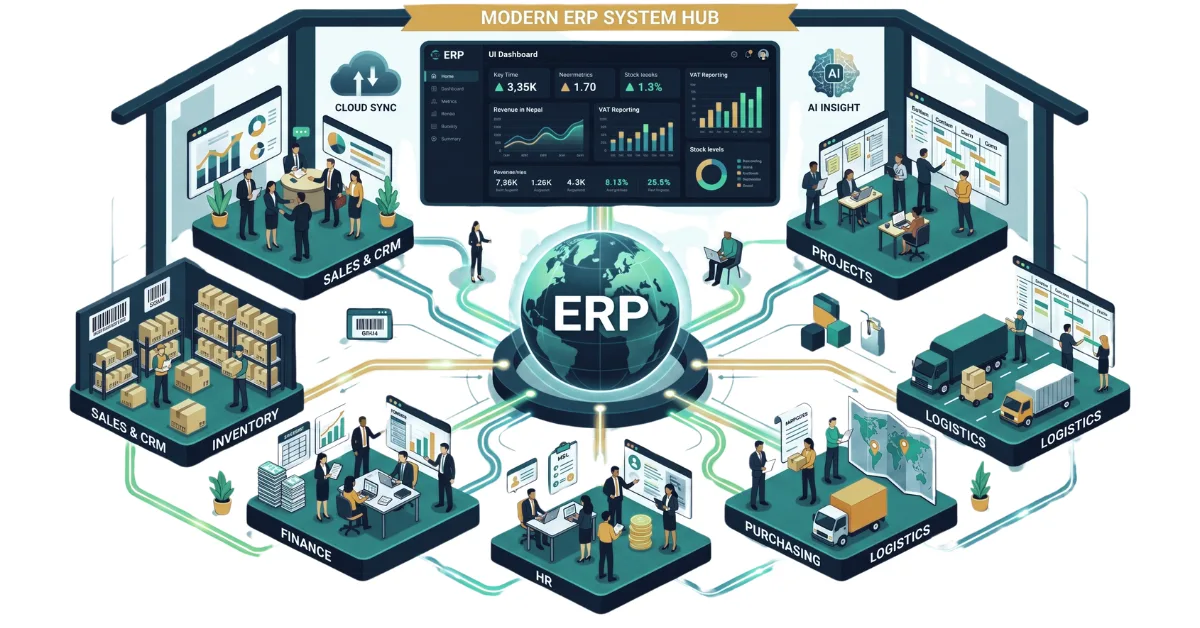
A Complete Guide to ERP and Its Importance in 2026
Discover what ERP is and how it centralizes your sales, inventory, HR, and finance. Explore key modules, workflows, and why modern ERP software is essential in 2026.
Read article
Laptop Specifications Demystified : A Clear Guide for Nepal
Confused by tech jargon? Master the basics of laptop hardware with our clear, beginner-friendly guide to buying the right laptop without overpaying in Nepal.
Read article
Things To Consider Before Buying a NEW LAPTOP in 2026
Stop buying laptops based on the processor name alone. Use our ultimate 2026 checklist to audit RAM, storage, and battery life before swipe-purchasing your next machine.
Read article
What is SEO and Why does every business need it in 2025?
Want your website to rank on the first page of Google? Learn exactly how SEO works and why it is the ultimate survival tool for digital businesses today.
Read article