
Information
Laptop Specifications Demystified : A Clear Guide for Nepal
Confused by tech jargon? Master the basics of laptop hardware with our clear, beginner-friendly guide to buying the right laptop without overpaying in Nepal.

You’re in a showroom in New Road or scrolling Daraz at midnight. One laptop says “i7 + RTX 4070,” another just says “Ryzen 5, 512 GB.” Your budget is fixed, your needs are clear, but the specs feel like a puzzle.
I’ve stood in that exact spot, sweating over whether NPR 90,000 buys real performance or just a louder fan. Hence, let’s break down all these laptop jargons in plain language. No hype, no fluff.
1. CPU : The Overworked Chef in the Kitchen
Think of your laptop as a tiny restaurant. The CPU is the chef juggling orders.
- Intel Core i3 / AMD Ryzen 3 → One chef, decent at making sandwiches. Perfect for emails, Netflix, and Zoom calls.
- Core i5 / Ryzen 5 → Two skilled chefs. Handles your 20 Chrome tabs, Spotify, and Canva without breaking a sweat.
- Core i7 / Ryzen 7 → The head chef with sous-chefs. Edit 4K drone footage while you’re on a client call? No problem.
- Core i9 / Ryzen 9 / Apple M-series → Michelin-star chaos. 3D rendering, 100-layer Photoshop files, compiling code overnight, bring it on.
Local reality: A Ryzen 5 with SSD is the go-to for most Nepali freelancers. It’s fast, affordable, and widely available.
2. RAM : The Counter Space
RAM is where the chef keeps the chopping boards, knives, and half-cut onions. Run out of the counter? Everything slows to a crawl.
| RAM | Counter Size | Whom It's For |
| 4 GB | Card Table | Light Web, Word/Docs (Avoid in 2026, Windows 11 will cry) |
| 8 GB | Kitchen Island | Students, Freelancers, WFH Warriors, The Sweet Spot |
| 16 GB | Full Restaurant Prep Line | Video Editors, Developers, "I will never close tabs" gang |
| 32 GB | Industrial Kitchen | Pros who bill by the hour and can't afford lag. |
Battery note : More RAM sips a tiny bit more juice, but the speed boost is worth it.
3. Storage : The Pantry (and How Fast the Door Opens)
This is where your photos, apps, and that folder labeled “Misc” live forever.
- HDD (spinning rust) → Giant walk-in pantry with a sticky door. Cheap, huge, slow. Fine for backing up family photos, terrible for opening Photoshop.
- SSD (flash magic) → Sleek fridge with auto-open doors. Your laptop boots in 8 seconds, apps launch instantly. Even a 256GB SSD beats a 1TB HDD in daily life.
2026 Pro Move: Get at least 512GB SSD. Cloud storage handles the rest.
4. GPU : Power for Visuals
Handles games, video, and graphics.
- Integrated (Intel/AMD) → Fine for work, streaming, light editing
- Dedicated (RTX 3050/4050) → Smooth gaming, fast exports, AI tools
Power tip: Integrated graphics use less battery thus handy during outages.
5. Display : The Window You Stare Through 8 Hours a Day
A gorgeous screen turns work into joy. A trash screen can give you headaches by lunch.
| Spec | What It Means | Buy If.. |
| 1080p | Sharp enough for most | Daily grind, Netflic |
| 2K/1440p | Noticeably crisper text & photos | Designers, long workdays |
| 4K | Pixel perfect, but battery killer | Video Editors, Photographers |
| 60 Hz | Standard Smooth | Office, Browsing |
| 120 Hz+ | Silky Scrolling & Gaming | Gamers, Animators |
| OLED/Mini-LED | Blacks deeper than your ex's heart | Movie buffs, color grading |
Brightness hack: 400 nits minimum if you ever work near a window.
6. Ports : Because “One Cable to Rule Them All” Is a Lie
I once missed a deadline because my “modern” laptop had two USB-C ports and zero adapters. Learn from my pain.
Must-haves in 2026:
- 1× USB-C (charging + data)
- 2× USB-A (your mouse/pendrive isn’t dead)
- HDMI (client projectors still exist)
- Headphone jack (yes, really)
Bonus points: SD card slot (photographers rejoice), Ethernet (stable Zoom calls).
7. Battery : The Lie We All Fall For
The box says “Up to 18 hours.” Reality is 6 hours of actual work.
| Real World Hours | Lifestyle Fit |
| 5 - 7 hours | Desk Bound with plugs nearby |
| 8 - 10 hours | Coffee Shops, Trains, Client Hops |
| 12+ hours | Digital Nomads, Flight Warriors |
Quick test: Watch YouTube reviews with screen at 70% brightness, Wi-Fi on. That’s your truth.
8. Size & Build : The Body That Carries Your Soul
Laptops now come in three personalities:
- 13 –14 inch, <1.3 kg ▶️ “I live in co-working spaces and airport lounges.”
- 15 inch, ~1.6 kg ▶️ “I want power without back pain.” (90% of people should stop here.)
- 16–17 inch, 2kg+ ▶️ “My desk is my home. Cooling pad included.”
Build vibes:
- Aluminum = premium, dent-resistant, Apple’s flex.
- Magnesium alloy = lighter than alum, still tough.
- Plastic = budget, but check reviews as cheap plastic cracks.
Keyboard check: Type this in-store thrice : “The quick brown fox jumps over the lazy dog.” If it feels like typing on a pancake, walk away.
Your 60-Second Laptop Buying Formula
Answer these, then walk into any showroom with confidence:
- Daily work?
Office/Zoom : i5 + 8 GB + 512 GB SSD
Edit/Reels : Ryzen 7 + 16 GB + RTX
- Where do you work?
Café hops : <1.4 kg + 9 hr battery
Fixed desk : 15" + full ports
- Budget?
Remember this thing, your laptop isn’t just a gadget. It’s your income engine. Choose the specification that matches your hustle, not the salesman’s quota. Your laptop is a tool and the right one awaits your money.
The short version
Confused by tech jargon? Master the basics of laptop hardware with our clear, beginner-friendly guide to buying the right laptop without overpaying in Nepal.
Keep reading

What Is API Integration, and Why Does Your Business Need It?
API integration allows different software applications to communicate and exchange data automatically. Learn how API integration works, explore common business use cases, understand its benefits, and see how Getintoto can connect your existing systems with custom software solutions.
Read article
Custom Software Development in Nepal: Our Process From Idea to Launch
Explore how custom software development in Nepal turns a business idea into a practical digital product, from discovery and planning to development, testing, launch, and ongoing improvement.
Read article
AI Tools For Developers
AI is transforming the way developers approach software development by reducing repetitive tasks, simplifying complex workflows, and improving productivity. In this article, we explore practical AI tools that Nepali developers can use to minimize development fatigue, streamline everyday tasks, and focus more on building high-quality, innovative software solutions.
Read article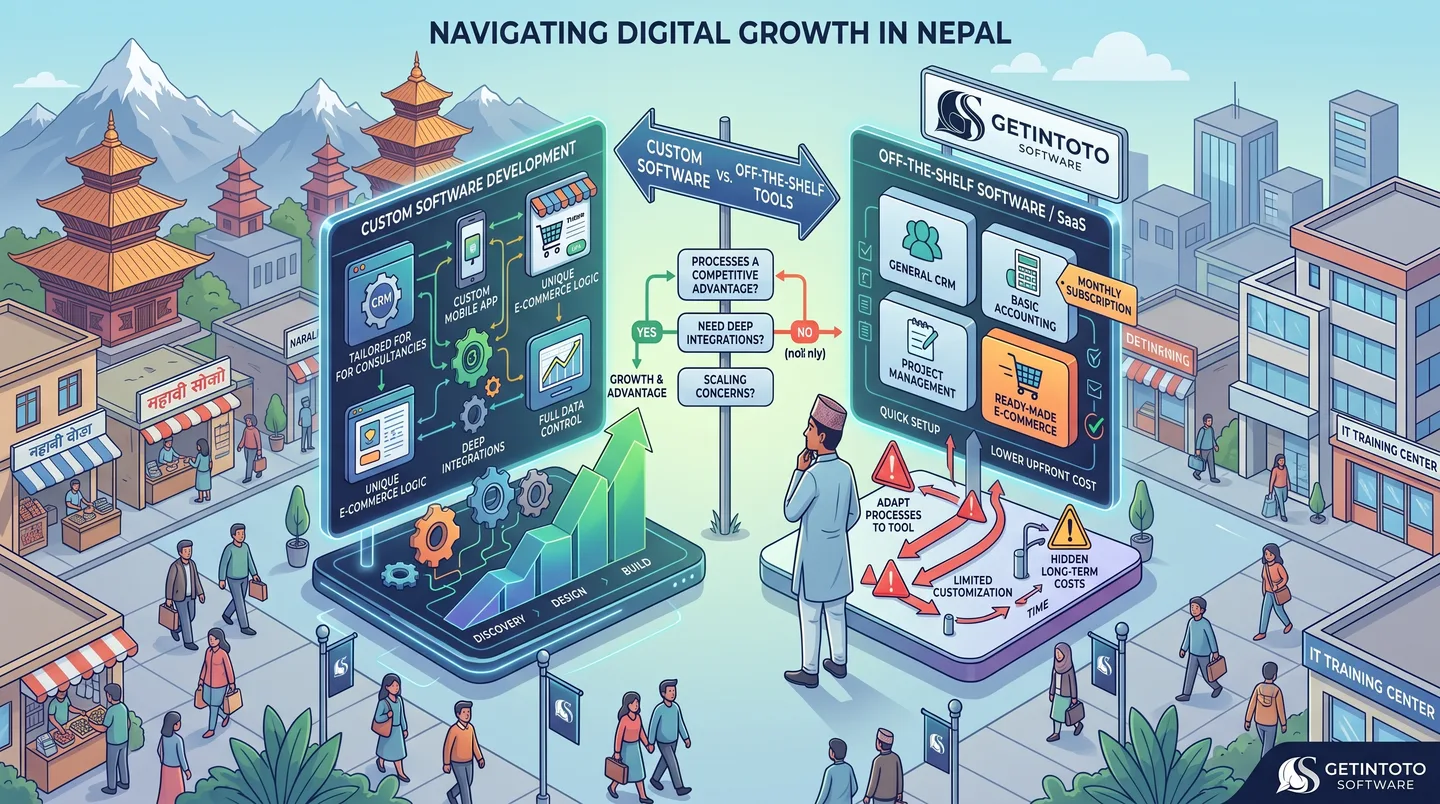
Custom Software Development And its Need
Choosing between custom software and off-the-shelf tools can be a difficult decision for growing businesses in Nepal. While ready-made software is quick to set up and often affordable, it may not fit the way your business actually works. Custom software takes a different approach by building features, workflows, integrations, and user experiences around your specific needs. This guide explains the key differences, when custom development makes sense, and when an existing tool may be the better choice for your business.
Read article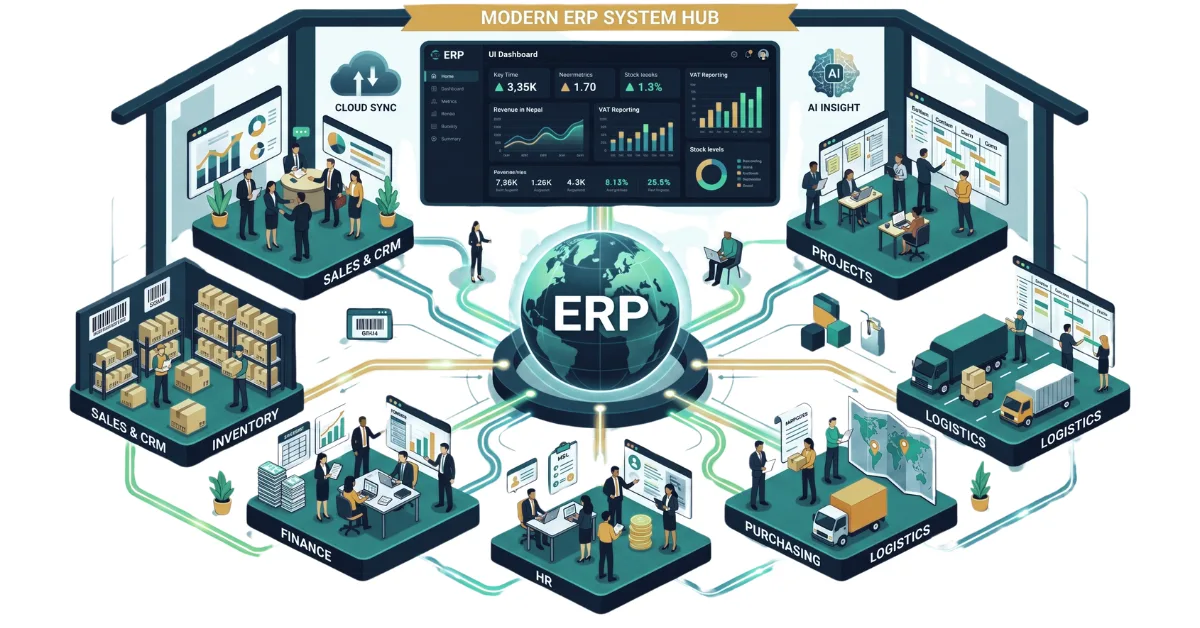
A Complete Guide to ERP and Its Importance in 2026
Discover what ERP is and how it centralizes your sales, inventory, HR, and finance. Explore key modules, workflows, and why modern ERP software is essential in 2026.
Read article
Things To Consider Before Buying a NEW LAPTOP in 2026
Stop buying laptops based on the processor name alone. Use our ultimate 2026 checklist to audit RAM, storage, and battery life before swipe-purchasing your next machine.
Read article